Time does its own maths
Changed a duration — the following rows moved. Locked times stay put, and clashes show straight away.
08:00–08:30Shot 2.130 min
08:30–08:40Reset
08:40–09:00Shot 2.4
11:00–11:45Lunchlocked
Schedule, shooting plan, cast call and a client document — from the same data.
Changed a duration — the following rows moved. Locked times stay put, and clashes show straight away.
A picture, VO text with the speaker, the action and details: wardrobe, props, cast, location, camera, lighting.

VOAn idea, a file, a “yes” — in seconds.
Full — for prep, Condensed — to take in the day, Time only — to check on set.
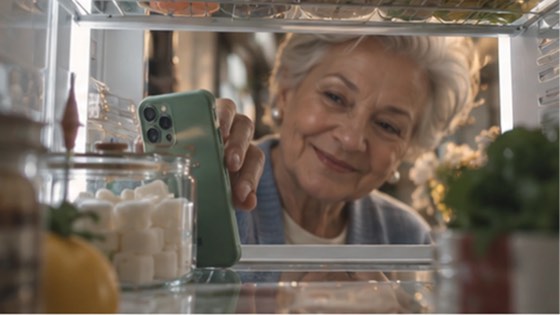 Shot 2.1
 Shot 2.4
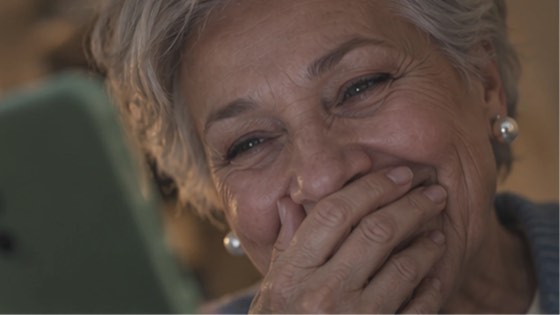 Shot 2.6
 Shot 1.1
Make-up, first shot and release time — for everyone. Whoever waits over an hour shows up straight away.
A shooting plan to print, a link for the crew and the client, an .ics calendar on the phone.
Locations, shots, processes and cast — together. Click “Live the day” and see how Takeday runs the set.
The agency and the client see not a spreadsheet with yellow cells but a neat project cover, shots with pictures and clear times.




The next shift starts from a ready schedule, not from a spreadsheet.